
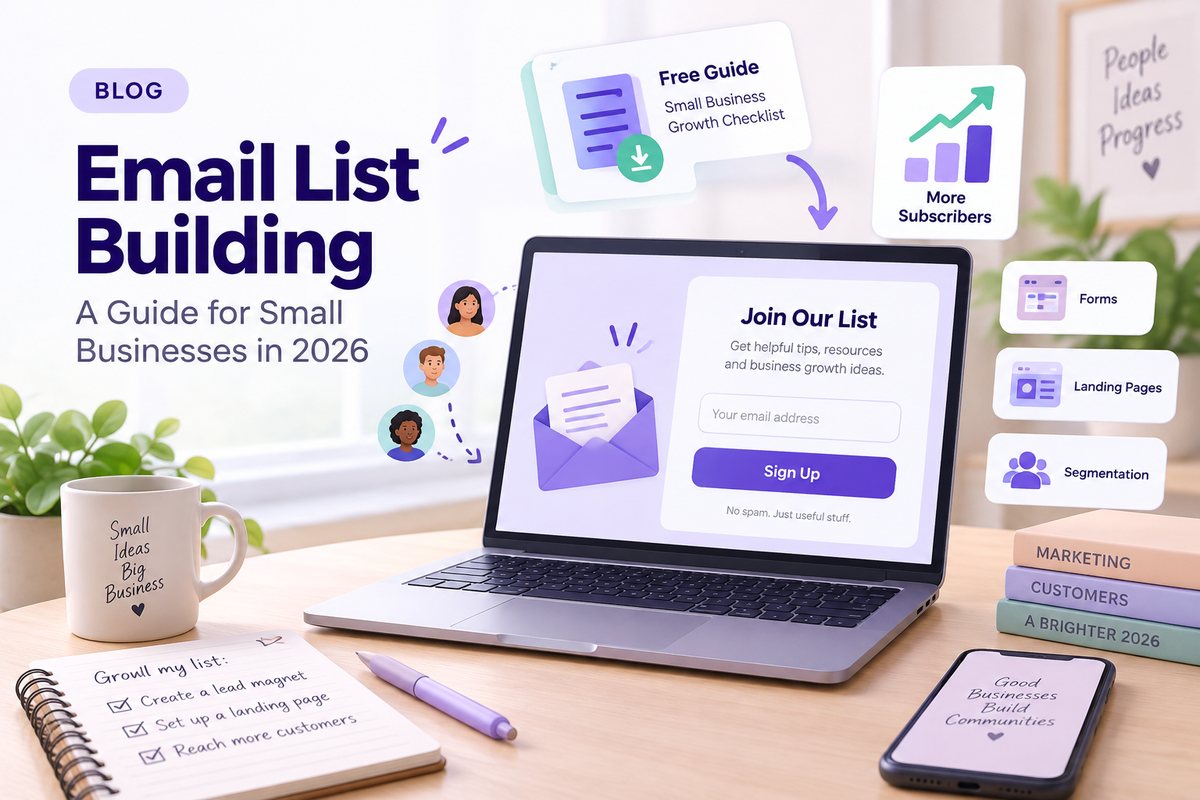
Email List Building: A Complete Guide for Small Businesses in 2026

Key Takeaways
- A high-quality email list is made up of consent-based, engaged email subscribers you can reach directly. Never buy or scrape email lists-doing so harms deliverability and risks legal penalties.
- Small businesses can build an email list quickly using landing pages, lead magnets, smart data collection, and simple signup forms connected to an email service provider like VerticalResponse.
- Both list growth and list health matter: regularly clean inactive contacts, segment subscribers, and follow email marketing regulations such as GDPR and CAN-SPAM.
- Email list building tools-forms, landing pages, pop ups, surveys, and email automation-help you collect emails on autopilot and turn website visitors into customers.
- Consistent value through useful content, relevant offers, and clear messaging is what keeps subscribers opening, clicking, and buying over time. Building a high-quality email list requires offering clear value at every touchpoint.
Introduction: Why Email List Building Still Wins in 2026
Despite the rise of AI-driven ads and short-form video, email marketing remains one of the highest-ROI channels for small businesses and nonprofits in 2026. Email marketing has an average ROI of $42 for every $1 spent-a figure that no social media platform comes close to matching. Email marketing can reach 90% of your audience directly, landing in an inbox your subscribers actually check every day.
Consider the volatility you’ve experienced over the past two years: algorithm changes on Instagram throttled organic reach, Google’s updates reshuffled search rankings, and TikTok’s regulatory future remains uncertain. Email has remained a stable communication channel for decades. Your email list is an owned asset-unlike social media followers, it can’t be taken away by a platform change.
This article focuses on practical, ethical ways to build an email list from zero to thousands of subscribers using tools and tactics accessible to small teams. VerticalResponse is an email service provider built for small businesses, offering email, landing pages, surveys, and automation that support list building at every stage. The article is structured so you can start implementing in the first hour: choose your tools, set up a landing page, create a lead magnet, and launch your first signup points.
What Is an Email List (and What It’s Not)?
An email list is a collection of email subscribers who have explicitly opted in to receive marketing or informational email messages from your business. Subscribers on email lists have opted in to receive communications-that consent is what separates a legitimate list from a random collection of addresses.
Beyond the email address, a modern list often stores useful data collection fields like first name, location, product interests, or donation history. These details power personalization later.
Here’s what an email list is not: purchased databases, scraped directories, or contacts who never consented. Purchased email lists contain addresses from individuals who did not opt in, and adding them to your campaigns will harm deliverability, trigger spam complaints, and can violate laws like CAN-SPAM and GDPR.
Think of your subscriber list as having two layers. There’s one master email list containing everyone, and then there are segments (customers vs. leads, donors vs. volunteers) that you’ll use for targeted campaigns. The journey looks like this:
Website visitor → Subscriber → Segment → Targeted campaign
That flow is the foundation of every tactic covered in this guide.
Why Building an Email List Matters for Small Businesses & Nonprofits
Email is a direct, owned channel that isn’t controlled by third-party platforms. Industry studies consistently report ROI ranges of $30–$40 per $1 spent, with some sources citing even higher figures. Email lists are owned assets, unlike social media followers, which means you keep direct access to your audience regardless of algorithm shifts.
An email list supports concrete business goals: driving online sales, booking appointments, filling local events, or increasing recurring donations. Email lists help improve customer engagement and retention rates because you’re reaching people who already raised their hand.
Consider a real-world example: a boutique skincare brand grew its list 72% over three months by adding signup forms, creating a welcome series, and segmenting by interest. Revenue doubled during that same period. A similar pattern plays out for local businesses-imagine a neighborhood bakery growing from 200 to 2,500 email subscribers in 12 months by offering a “Weekend Specials” email, then watching weekend orders climb 20%.
For nonprofits, an engaged email list boosts Giving Tuesday performance and year-end campaigns more reliably than social posts alone. First-party data collected in email marketing-opens, clicks, survey answers, purchase history-improves future campaigns and reduces ad spend waste.

Choosing the Right Email Service Provider
An email service provider (ESP) manages your email list, sends campaigns, tracks results, and helps you stay compliant with deliverability standards. Choosing the right tools early saves you headaches later.
Core features to look for in 2026:
- Drag-and-drop email builder
- List segmentation
- Basic automation (welcome series, drip sequences)
- Landing pages and sign up forms
- Reporting on opens, clicks, bounces, and unsubscribes
VerticalResponse fits this need for small businesses: easy signup, plans sized by email list, built-in landing pages and surveys, and optional Pro+ done-for-you services for teams that prefer hands-off support. Some plans even include a free plan tier to get started without upfront cost.
If you’re a very small organization, start with one email marketing platform instead of stacking multiple tools. Keeping data in one place simplifies list growth and reduces the chance of contacts slipping through the cracks.
If you’re switching from tools like Mailchimp or Constant Contact, you can typically export your existing subscribers and import them into VerticalResponse via CSV-just make sure consent is intact and clean the list before importing.
Set Clear Goals for Your Email List
Before you build anything, define what you’re building toward. Specific, time-bound goals give you something to measure against.
Examples:
- “Reach 1,000 subscribers by December 31, 2026”
- “Add 200 nonprofit donors before Giving Tuesday 2026”
- “Grow the list by 15% each quarter”
Tie list size goals to revenue or impact metrics. If your average conversion rate from email to sale is 2%, then 1,000 subscribers could mean roughly 20 sales per campaign. That math shapes how aggressively you promote signups.
Different list uses influence your strategy:
| Goal | Offer at Signup | List-Building Tactic |
|---|---|---|
| Weekly newsletter subscribers | Exclusive content preview | Blog post opt-in + sidebar form |
| Flash sale buyers | Exclusive discounts (10% off first order) | Homepage pop up + checkout opt-in |
| Event attendees | Early registration access | Landing page + social media promotion |
| Nonprofit donors | Impact report download | Email signature link + event tablet signup |
Your opt-in messaging should match the promise. A discount-driven list looks different than one promising educational content or community updates. For a detailed playbook on reaching your first milestone, check out Your First 1000 Subscribers.
Core Principles of Ethical, Compliant List Building
Compliance isn’t optional. Here’s what you need to know without drowning in legal jargon.
Consent is everything. Under the CAN-SPAM Act, you must honor opt-out requests within 10 business days, use accurate headers and subject lines, and include a valid postal address. GDPR (for EU audiences) requires explicit, informed consent-no pre-ticked checkboxes. For more details, read this guide on compliance in email marketing.
Never buy email lists. Avoid buying email lists to maintain deliverability and list health. Purchased lists lead to low engagement, high bounces, spam complaints, and potential account suspensions from your ESP.
Use clear consent statements. At every signup point, tell people exactly what they’ll receive: “Get weekly marketing tips and occasional product updates.” Unchecked boxes or explicit consent statements are the standard.
Use double opt in when targeting EU or other stricter jurisdictions. Double opt in requires subscribers to confirm via a follow-up email, verifying that the address is valid and consent is real.
VerticalResponse tools are designed to support compliant list building-unsubscribe links and sender address information are included automatically in every campaign.
Designing High-Converting Opt-In Forms
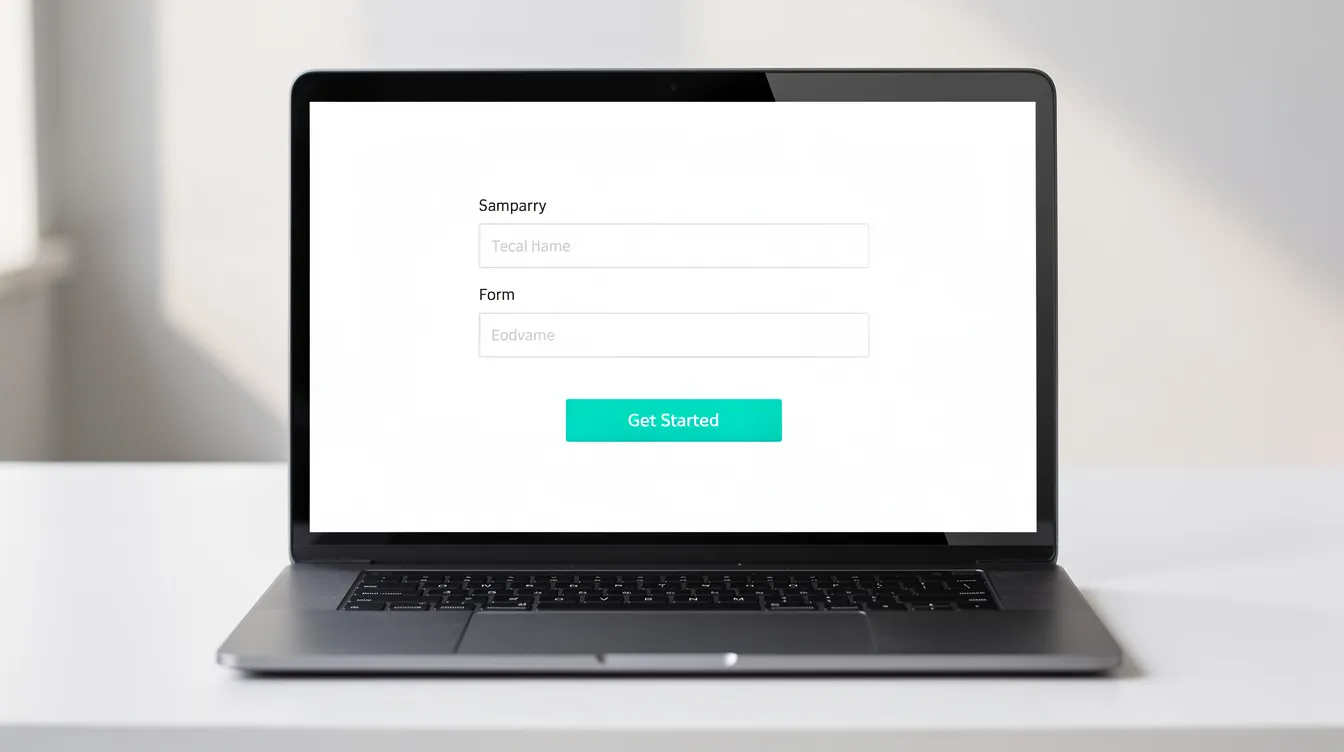
Most new subscribers join through sign up forms on landing pages, homepages, blog posts, or pop ups. The form itself needs to clearly state the value of joining.
Keep it short. Opt-in forms should be simple and easy to complete. Limit fields to 2–3 essentials: email address, first name, and maybe one interest tag. Every additional field reduces conversion rates.
Write benefit-driven copy. Your email sign up form needs three elements:
- A headline that promises a specific benefit (“Get our weekly recipe + a free meal plan”)
- 1–2 bullets describing what subscribers get
- A specific call to action (“Send me the free plan” beats “Submit”)
Position forms where people see them. Position opt-in forms in high-visibility areas on your site: above the fold, in sidebars, between paragraphs of blog articles, and at the end of each blog post where intent is higher. You can create and manage these directly through VerticalResponse’s signup forms or learn more about best practices in Everything You Wanted to Know About Email Sign Up Forms.
Multi-step popups average a 5.17% signup rate, while spin-to-win campaigns can reach up to 29.99% signup rates. Using interactive content can enhance subscriber engagement and make forms feel less transactional. A/B testing different headlines, button colors, and offers can significantly improve email capture rates over time.
Forms created in VerticalResponse and embedded on external sites automatically push new contacts into the right email list for immediate follow-up.
Using Landing Pages to Build an Email List
A landing page is a standalone page with a single main goal: to collect email addresses in exchange for a specific lead magnet, event registration, or newsletter signup. A dedicated signup page often converts better than a general homepage because it removes distractions-no competing navigation links, no sidebar ads, just one clear action.
Landing pages are ideal for traffic from social media platforms, podcasts, QR codes, and paid ads. When someone clicks a link in your Instagram bio or scans a code at your brick and mortar store, they should land on a focused page, not your cluttered homepage. A dedicated landing page can significantly improve email capture compared to sending traffic to a general page.
With VerticalResponse, you can build landing pages by choosing a template, adding your branding and copy, connecting it to an email list, and publishing under a custom URL.
Landing page ideas to try:
- “Free 10-Recipe Weeknight Dinner Guide” (local meal prep business)
- “Nonprofit Impact Report 2025 Download” (community organization)
- “Local Homebuyer Seminar Registration” (real estate agent)
Include social proof-testimonials, review stars, subscriber counts-and keep navigation minimal to maintain focus on the opt in form and boost conversion rates.
Create Lead Magnets People Actually Want
Lead magnets are valuable, specific resources people receive in exchange for opting in. Think checklists, templates, coupons, mini-courses, or survey results. Offering lead magnets can increase email sign ups substantially when the resource matches a real need. Offering compelling free incentives can help gather email addresses faster than a generic “subscribe to our newsletter” pitch.
Concrete examples by niche:
- Yoga studio: “7-Day At-Home Stretching Plan”
- Fashion retailer: “Seasonal Style Guide with Outfit Ideas”
- Furniture brand: “Room Layout Planner Template”
- Nonprofit: “Supporter Impact Stories 2025 eBook”
The best lead magnets solve one focused problem quickly instead of being vague. A “Complete Guide to Everything” rarely performs as well as a tight, specific resource. This alignment improves future email marketing performance because subscribers who downloaded something relevant are more likely to stay engaged.
Deliver lead magnets automatically via a welcome email triggered by the email service provider. In VerticalResponse, you can set up automation so the download link sends the moment someone subscribes-no manual work required. For more lead magnet inspiration, see Use These High-Converting Lead Magnets.
Encourage people to test multiple lead magnets over 2026 (guide vs. discount vs. quiz) to see which attracts higher-quality email subscribers, not just higher volume. Using lead magnets can incentivize users to sign up for emails, but quality of the match matters more than quantity.
Promoting Your Signup Forms Across Your Website
Your email opt in forms shouldn’t live on a single page. Place them strategically across your entire website to maximize email sign ups from existing traffic.
High-impact placements:
- Homepage hero section
- Footer (appears on every page)
- About page
- Blog sidebar
- Contact page
- Post-checkout or post-donation confirmation pages
Check-out opt-ins can effectively grow email lists because you’re catching potential customers at a moment of high trust. Turn thank-you pages after purchases, quote requests, or donations into secondary opportunities to collect emails for ongoing updates.
Use targeted exit-intent pop ups on high-traffic pages for email sign ups. Timed pop ups triggered on scroll depth or time on page can also work, but use them sparingly so you don’t overwhelm website visitors. Multi-step popups average a 5.17% signup rate, and spin-to-win campaigns can reach up to 29.99% signup rates-both worth testing.
Align the value pitch with context: on product pages, focus on promotions and back-in-stock alerts; on blog articles, emphasize educational content and tips. VerticalResponse embedded forms and landing pages can be linked anywhere on your site, unifying data collection in one place. For more placement ideas, explore 41 Brilliant But Easy Ways to Build Your Email List.
Turning Social Media & Offline Traffic into Email Subscribers
Social media is excellent for awareness, but the goal is to move social media followers from rented platforms to your owned email list.
Social media channels tactics:
- Add a landing page link to your Instagram, Facebook, LinkedIn, and TikTok bios-promote lead magnets instead of just linking to your homepage
- Post monthly “newsletter signup reminder” content with a clear benefit statement
- Use story highlights or pinned posts featuring your lead magnet
- Promote lead magnets through social media channels to attract visitors who are already interested in your content
Offline tactics:
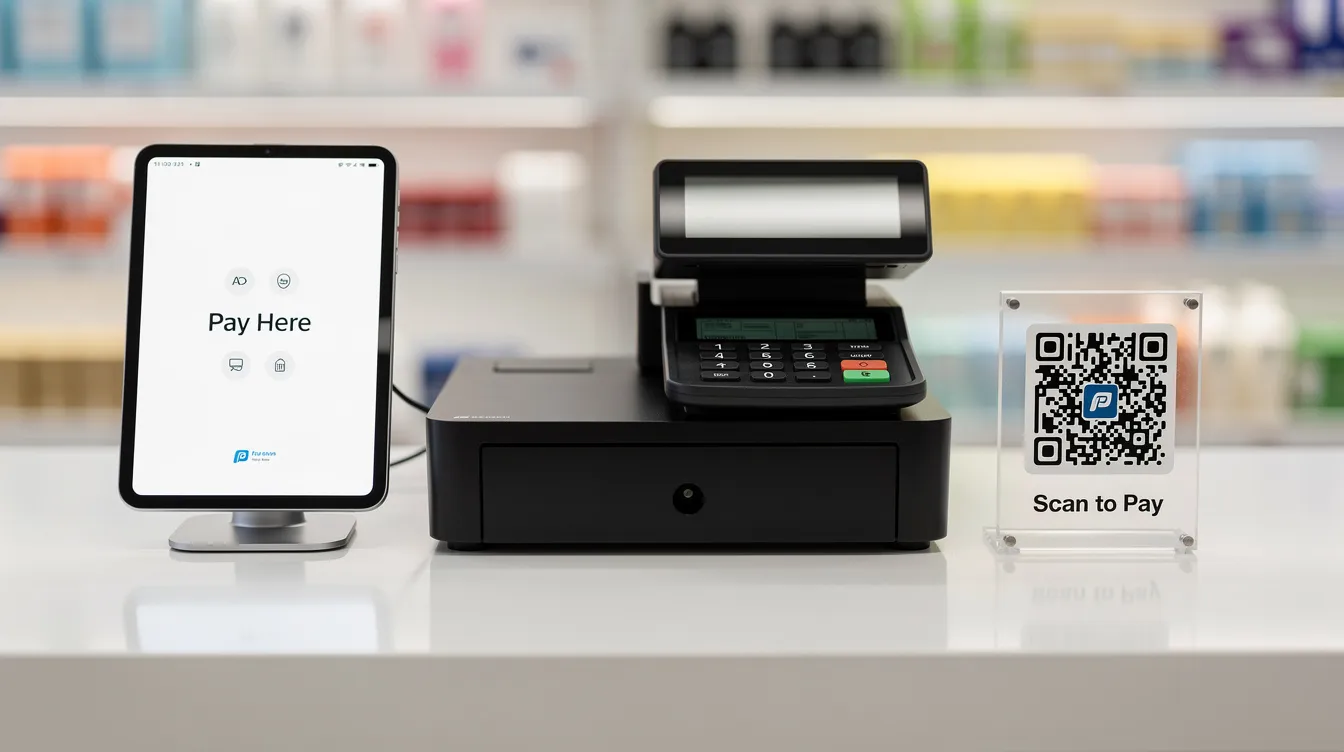
- Print QR codes on receipts, event signage, flyers, and in-store posters that drive traffic to a landing page
- At your brick and mortar store, use a tablet near the register running a mobile-friendly signup form
- Collect emails at conferences and community events, always with clear consent language at the point of signup
Nonprofits and local businesses should ensure their offline collection process includes a visible statement about what subscribers will receive. Tag every subscriber by source-social vs. in-person-using UTM parameters, so you can segment email campaigns later and double down on the best-performing channels.
Leverage Email Signatures, Invoices, and Everyday Touchpoints
Some of the most overlooked list building opportunities are hiding in your daily communications.
Add a simple, non-pushy line and link in every team member’s email signature: “Get our weekly marketing tips → [Join our email list].” This quiet tactic works especially well for B2B services and consultants who send dozens of emails daily.
Other always-on touchpoints:
- Include signup links or QR codes on invoices, proposals, or booking confirmations
- Add a line to receipts: “Want exclusive discounts? Join our list at [link]”
- Feature a signup CTA in your referral program confirmation pages
These touchpoints quietly collect emails over time without additional ad spend. Every reference must make it clear what subscribers are opting into-“monthly tips & updates,” not unexpected promotional messages. Links should point to a dedicated landing page connected to the appropriate email list in VerticalResponse for accurate subscriber tagging.
Segmenting Your Email List for Better Results
Segmentation is grouping subscribers based on fields like location, purchase history, download behavior, or survey responses. Subscribers can be segmented by interests or behaviors for targeted messages-and the payoff is immediate.
Sending everyone the same message reduces relevance. Segmentation can create better engagement by sending more relevant emails that match what each group actually cares about. Well-segmented email campaigns regularly see open rates of 40–60% and click through rate improvements of 2x or more compared to one-size-fits-all blasts.
Simple starter segments:
| Segment | Criteria | Content Focus |
|---|---|---|
| New subscribers | Joined in last 30 days | Welcome series, brand introduction |
| Frequent buyers | 3+ purchases in 6 months | Loyalty offers, early access |
| Lapsed customers | No purchase in 6+ months | Re-engagement offers, “we miss you” |
| Event attendees | Registered for a past event | Upcoming event invitations |
VerticalResponse lets you create segments from list data and campaign engagement (opens, clicks), so you can send targeted email campaigns without guessing.
Using Automation to Nurture New Subscribers
Automation means pre-written email sequences that send automatically when someone joins a list, downloads a lead magnet, or completes a specific action. Automation can help deliver more relevant messages as your list grows-without adding manual work.
A simple 3-email welcome series:
- Day 0: Deliver the lead magnet, confirm the subscription, set expectations for future emails
- Day 2–3: Share your brand story, highlight key benefits, link to your best valuable content
- Day 5–7: Make a first offer or invite subscribers to take a next step (shop, book, donate)
Even the smallest organizations should automate at least welcome emails so new subscribers hear from you immediately and remember why they signed up. Regular, useful emails can turn interested parties into customers over time.
VerticalResponse includes basic drip automation capabilities that make it easy to set up these flows without coding or complex logic. As you grow, add more automation: re-engagement sequences for inactive subscribers, post-purchase follow-up with review requests, or an email preference center that helps manage subscriber communication preferences.
Essential Email List Building Tools to Consider
There are three types of email list building tools, and understanding them helps you pick the right tools for your team:
- Email marketing platforms with built-in forms: These include basic signup features, list management, and campaign sending in one package. VerticalResponse falls here-offering sign up forms, landing pages, online surveys for data collection, and direct mail options to re-engage offline audiences.
- Dedicated email capture tools: Standalone popup and form builders (like OptinMonster or Sumo) that focus exclusively on converting website visitors into subscribers. Dedicated capture tools convert the most traffic into subscribers when used on high-traffic sites.
- Form and landing page builders: Tools that collect emails through standalone pages and feed them into your ESP. Form and landing page builders collect emails through standalone pages, then pass contacts to your main platform.
For small teams, consolidating functionality into one core platform (email + landing pages + signup forms + basic surveys) reduces complexity and costs. Avoid tool sprawl when you’re just getting started. Whatever you choose, ensure your email list building tools pass new contacts and their data directly to your main email service provider automatically.
Measuring List Growth, Engagement, and List Health
There’s a difference between vanity metrics and meaningful ones. Total subscribers is nice to know; active subscribers, open rates, click through rate, conversions, and list churn are what actually matter.
Key metrics to track:
- Monthly net list growth: New subscribers minus unsubscribes and bounces
- Open rate: Percentage of email recipients who open your messages
- Click through rate: Percentage who click a link inside the email
- Conversion rate: Percentage who take the desired action (purchase, donate, register)
- Spam complaints: Should stay below 0.1%
- Bounce rate: Hard bounces indicate invalid addresses
Monitor your email metrics to ensure list health and engagement. High unsubscribe or spam complaint rates signal a mismatch between expectations at signup and actual email content or frequency. Most email service providers, including VerticalResponse, surface these metrics in their reporting dashboards.
Create a simple monthly spreadsheet summarizing email sign ups by source (landing page, social, in-store) to identify which channels bring the most engaged subscribers. B testing different subject line variations, send times, and content formats gives you actionable insights to improve performance month over month.
Email List Hygiene: Cleaning and Protecting Your List
Email list hygiene is the ongoing process of removing invalid, bounced, or persistently inactive addresses to protect sender reputation and deliverability.
Why it matters: Cleaning your email list improves engagement and deliverability rates. ISPs track how recipients interact with your emails. A list full of dead addresses and disengaged contacts drags your metrics down and can land future campaigns in spam folders.
Hygiene best practices:
- Regularly remove invalid or unengaged addresses from your list
- Run a re-engagement campaign before pruning (a simple “Do you still want to hear from us?” email)
- Prune quarterly or twice a year-remove subscribers who haven’t opened in 6–12 months after one re-engagement attempt
- Use email validation tools when importing older lists or collecting emails offline to catch obvious typos and fake addresses
A smaller, healthier email list often outperforms a large, unengaged one-especially for small business budgets where you’re paying per subscriber or per send. VerticalResponse reporting helps identify disengaged segments so cleaning efforts can be targeted rather than random.
Common Email List Building Mistakes to Avoid
Even well-intentioned marketers make mistakes that undermine their efforts. Here are the most common:
- Buying email lists or scraping LinkedIn. The risks to deliverability are severe: high bounces, spam complaints, potential fines, and ESP account suspensions.
- Hiding the unsubscribe link or using misleading subject line copy. Both violate CAN-SPAM and erode trust.
- Sending too rarely. If existing subscribers forget who you are, they’ll mark your next email as spam instead of unsubscribing.
- Collecting too much information at signup. Asking for phone number, company size, job title, and birthday on a first opt in form will depress conversion rates and make website visitors wary of your data collection practices.
- Sending only promotional messages with no value. Subscribers who receive nothing but sales pitches unsubscribe quickly. Balance relevant content-tips, stories, actionable insights-with offers.
Pick one or two of these issues and fix them this week. Review your forms, update your privacy language, or simplify your welcome campaigns. Small corrections compound into big results.
Putting It All Together: A 30-Day Email List Building Plan
Here’s a week-by-week plan to go from idea to growing subscriber list:
Week 1: Foundation
- Choose your email marketing platform (VerticalResponse is a strong fit for small teams)
- Set specific list-building goals with a target number and deadline
- Outline your first lead magnet (keep it simple-a checklist or short guide)
Week 2: Build
- Create a dedicated landing page for your lead magnet
- Set up embedded forms on your homepage, blog sidebar, and footer
- Write your 3-email welcome series and connect it to automation
Week 3: Promote
- Add landing page links to all social media channels bios
- Include a signup CTA in every team member’s email signature
- Post about your lead magnet on social media at least twice
- If you have a brick and mortar store, print QR codes for the counter
Week 4: Optimize
- Review early metrics: how many new leads came in? From which source?
- A/B test your landing page headline or form CTA
- Send your first email campaign to existing customers and new subscribers
- Adjust lead magnet, landing page copy, or opt in form locations based on conversion rates
Realistic targets for the first 30 days: 50–200 new email subscribers for a typical small business website with moderate traffic. Encourage people on your team to batch tasks-design several forms and write all welcome emails in one sitting-to make implementation feasible for busy owners.
VerticalResponse users can get additional help via support resources or Pro+ Email Marketing services for done-for-you implementation.

FAQ
How fast can a new small business realistically build an email list?
Growth speed depends on existing traffic, offline reach, and how compelling your offer is. Many new businesses reach 300–1,000 subscribers within 3–6 months with consistent promotion. If you’re starting from zero, focus first on improving conversion rate-getting more sign ups from existing website visitors-before investing heavily in paid traffic for lead generation. A strong lead magnet paired with well-placed forms can produce results faster than most marketers expect.
Should I use double opt-in or single opt-in for my email lists?
Double opt in requires new subscribers to confirm via a follow-up email. This reduces fake signups and improves list quality but may slightly slow growth. Use double opt in to verify new subscribers’ email addresses, especially for audiences in stricter jurisdictions like the EU. If your audience is primarily U.S.-based and you’re focused on rapid list growth, single opt in with email validation at the point of capture is a reasonable middle ground.
Can I move my existing contacts from another platform into VerticalResponse?
Yes. You can usually export contacts (with consent intact) from tools like Mailchimp or Constant Contact and import them into VerticalResponse via CSV. Before importing, clean the list first-remove obvious bounces and long-term inactives-and tag imported contacts by source so future email campaigns can be segmented appropriately. This keeps your new subscriber list healthy from day one.
What’s the minimum I need in place before sending my first campaign?
You need four things: an email service provider account, at least one permission-based email list, a simple landing page or email opt in form to collect email addresses, and a welcome email that delivers any promised lead magnet. Start by sending to a small segment of your list to test layout and links before sending to all email recipients, then iterate based on early performance. You don’t need perfection-you need to launch and learn.
How often should I email my subscribers without annoying them?
Frequency depends on your target audience and content type, but most small businesses do well with 1–4 marketing emails per month. Ecommerce brands may send more often during promotions. Set expectations at signup (“weekly tips” or “twice-monthly updates”) and monitor unsubscribes and spam complaints to gauge if frequency needs adjusting. The key is delivering exclusive content and relevant messages consistently-subscribers forgive a busy sending schedule if every email delivers value. Build relationships through consistency, not silence.
© 2026, Vertical Response. All rights reserved.




 Features
 Pricing
 Partner
 Blog
Blog Support
 More resources
 Terms of Services
 Privacy Policy